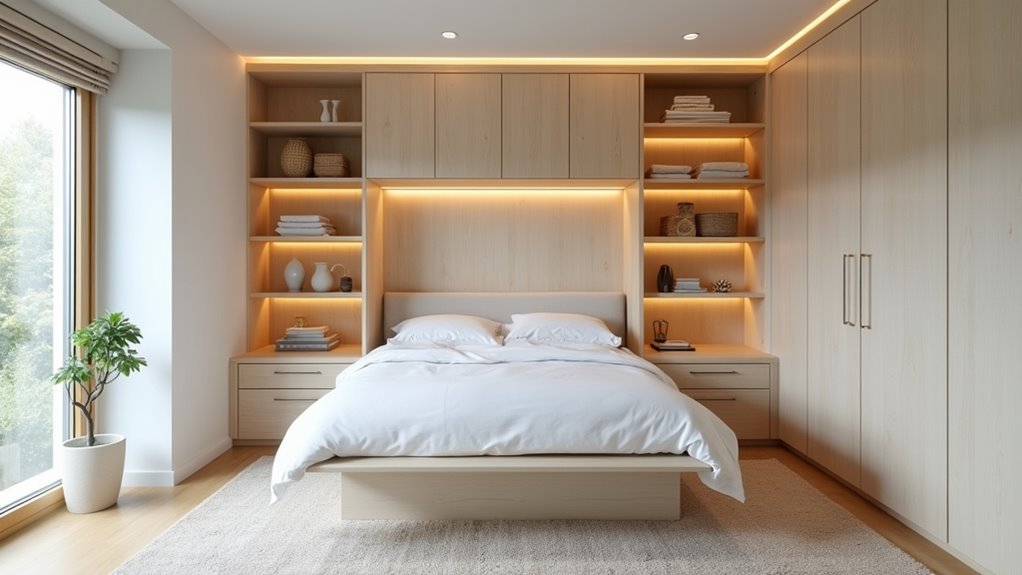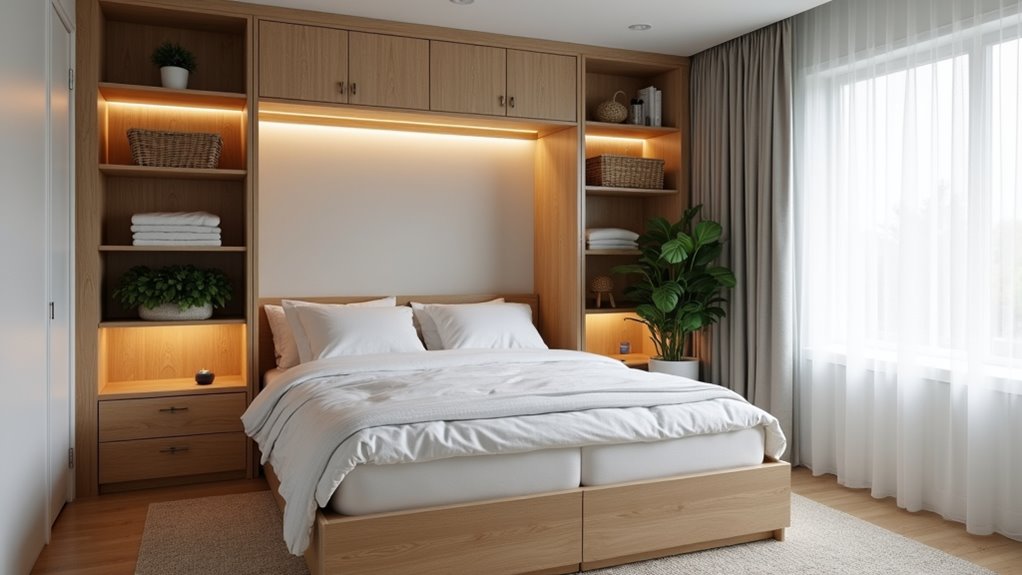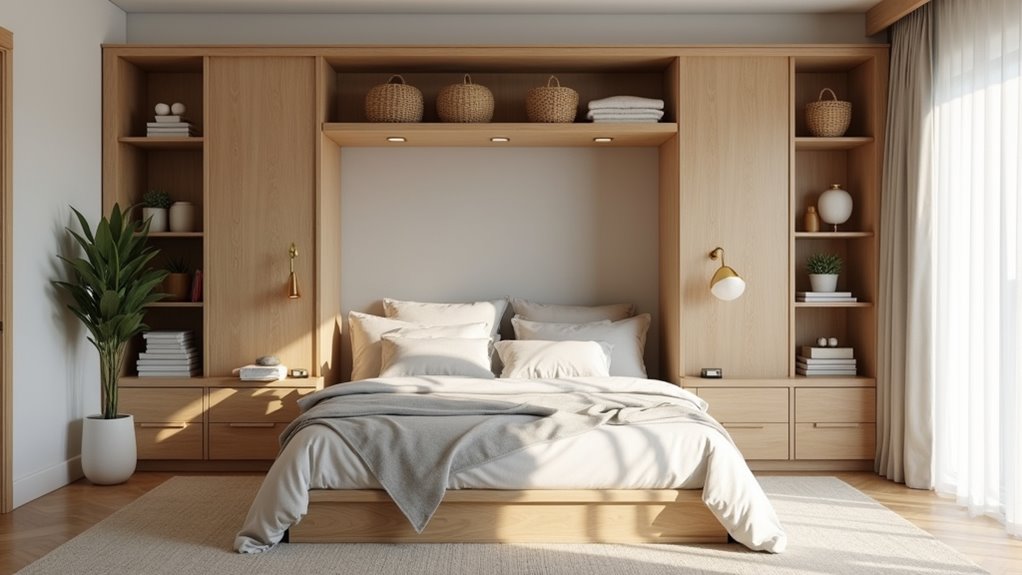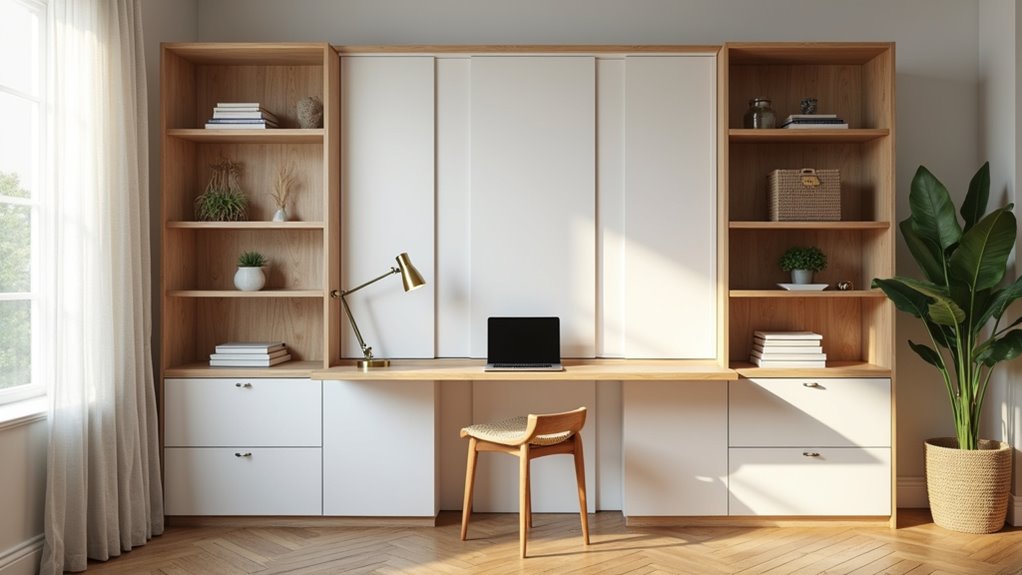
Start with your TV’s width, it anchors everything. For a 65-inch screen, choose a console 63, 72 inches wide so it extends 2, 6 inches past each side, preventing that top-heavy look. Keep the console 20, 24 inches tall to land the screen center at 40, 43 inches for comfortable seated viewing. Then hide cables behind grommets and closed storage, styling just 30% for breathing room. There’s plenty more to shape your perfect layout below.
Key Takeaways
- Size your console 6, 15 inches wider than your TV, extending 2, 6 inches beyond each side for balanced proportion.
- Set console height at 20, 24 inches to land the screen center at the ideal 40, 43 inches for seated viewing.
- Choose wall mounting to free floor space, or set the TV on the console for simpler installation and cord containment.
- Add a 15, 20 degree swivel and arrange extra seating in a gentle arc to serve multiple viewing positions.
- Hide clutter with 60% closed storage, use cable grommets and raceways, and leave 30% open for breathing room.
How do you design an entertainment center around your TV
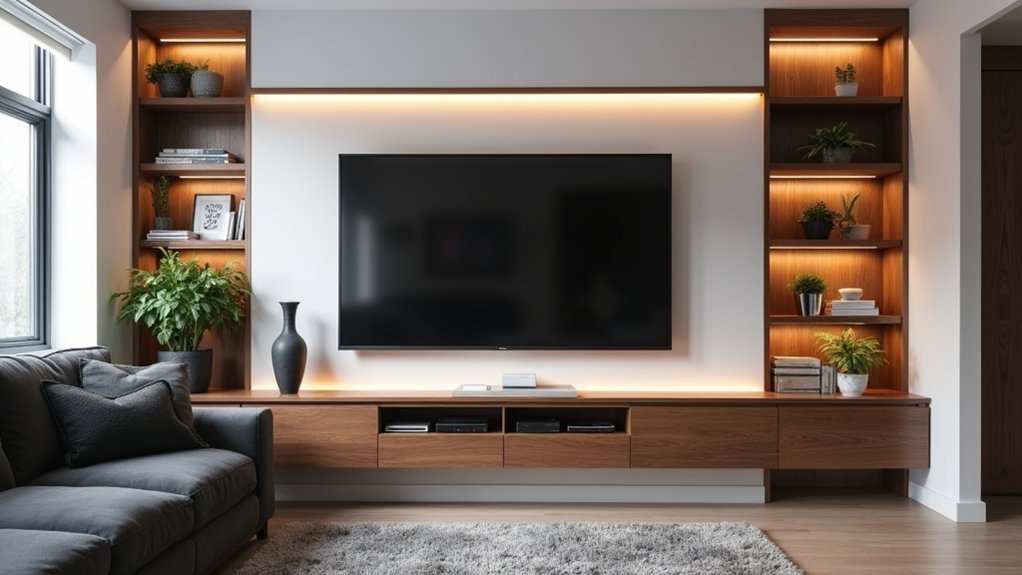
Design an entertainment center around your TV by sizing the console to complement the screen rather than compete with it, since your TV anchors the entire setup. For a 65-inch TV measuring 57 inches wide, choose a console in the 63, 72 inch range, extending 2, 6 inches beyond each side for balanced proportion. Height matters too: a 20, 24 inch console positions your screen’s center at the ideal 40, 43 inches from the floor, hitting natural eye level. Using space-saving media solutions maximizes your room’s potential without compromising style. Wall-mounted shelves and multi-functional furniture enhance efficiency while contributing to a clean, modern aesthetic.
Effective entertainment center setup hides clutter, so tuck at least 60% of storage behind closed doors and drawers. Route cables through built-in grommets to keep everything clean. Good tv center ideas leave roughly 30% of visible storage lightly decorated for breathing room. Smart media center design pairs adjustable shelves with concealed raceways, accommodating gaming consoles and media players effortlessly. Small space entertainment centers can also benefit from multi-functional furniture pieces. Consider ottomans or coffee tables with hidden storage to maximize your layout.
Should you mount the TV or set it on the unit
Mount the TV on the wall or set it directly on the console, both approaches work, but each shapes your space differently. Mounting frees floor area and lets you dial in that ideal 40, 43 inch screen center, while placing the TV on the unit keeps installation simple and cables contained. Consider these factors:
Wall or console, both work, but each shapes your space differently, choose the setup that fits how you live.
- Eye height: Position the screen center at 40, 43 inches for main seating comfort.
- Cable routing: Mounting demands in-wall raceways. Consoles hide cords behind panels.
- Console height: Standard 20, 24 inch units achieve correct screen center naturally.
- Flexibility: Add a 15, 20 degree swivel for multiple positions.
Balance these tv media center ideas thoughtfully.
What is the right height and viewing angle
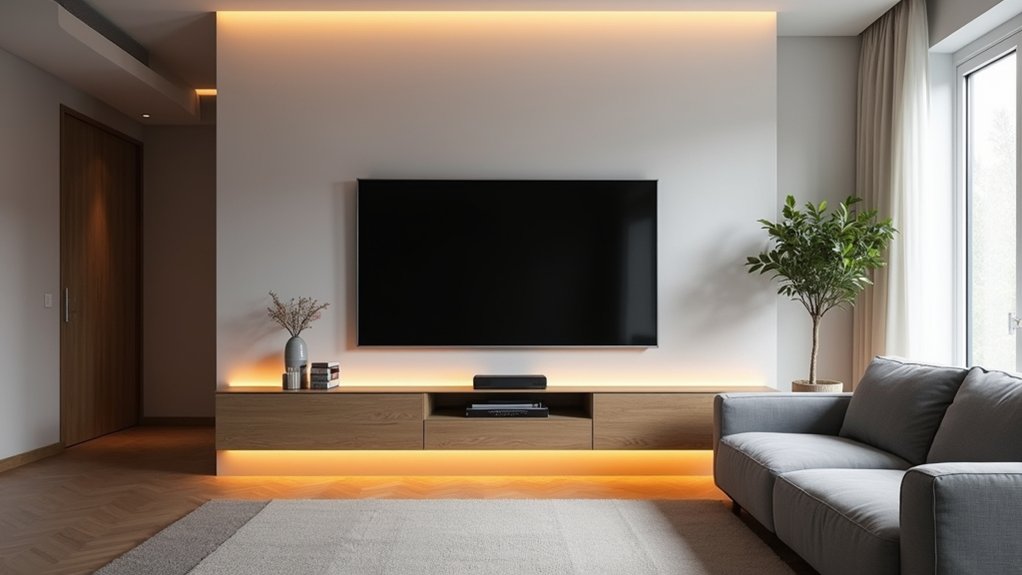
Position the center of the screen 40, 43 inches from the floor, aligning it with your seated eye level for the main viewing spot. Standard consoles sit 20, 24 inches tall, which naturally lands the screen center right where you want it. If your seating spreads across the room, build in a 15, 20 degree swivel so every position gets a square-on view. Arrange additional seating in a gentle arc rather than straight rows, letting back seats see over the front. Keep every sightline unobstructed, and match the screen’s tilt to your eye height for effortless, comfortable, glare-free watching.
What unit proportions suit different TV sizes
Different TV sizes suit console widths that extend 2, 6 inches beyond each side of the screen. This balanced overhang frames your screen and grounds it visually, preventing that awkward top-heavy look that plagues undersized consoles. Match your unit’s width to your TV’s dimensions for seamless visual harmony.
| TV Size | Screen Width | Console Width |
|---|---|---|
| 55-inch | ~48 inches | 54, 60 inches |
| 65-inch | 57 inches | 63, 72 inches |
| 75-inch | 66 inches | 72, 84 inches |
Beyond width, consider height carefully. Aim for a console standing 20, 24 inches tall, positioning your screen’s center at that ideal 40, 43 inch eye level. When you nail these proportions, your setup feels intentional and polished, not cramped, not floating. Every inch works together, creating a display that anchors your room beautifully.
How do you hide wires and components
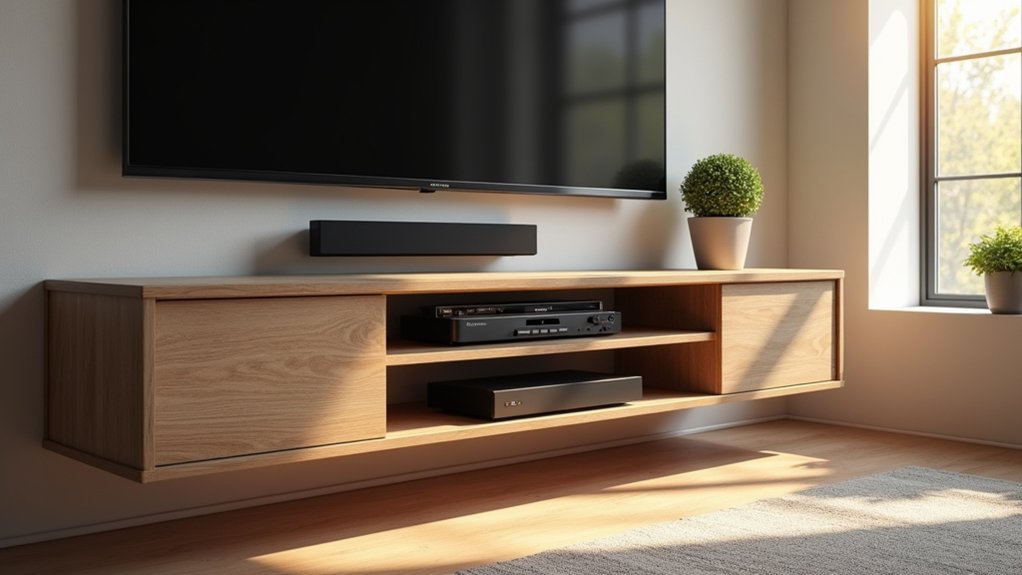
Hide wires and components by routing them strategically so nothing disrupts your clean visual lines. Plan storage that conceals the majority of your devices, then thread every cable through purpose-built openings that keep them invisible from your seating angles.
Route wires strategically and conceal your components, so nothing disrupts the clean visual lines of your entertainment space.
- Keep at least 60% of your storage behind closed doors or drawers, hiding gaming systems and their trailing cables.
- Install built-in cable grommets, pass-through holes in back panels, to channel wires cleanly through your console.
- Add hidden raceways and cable management boxes to prevent any visual clutter along the wall.
- Choose adjustable shelves that accommodate media players and gaming consoles of varying sizes.
These solutions preserve your entertainment center’s polished, uninterrupted appearance.
How do you balance the screen with surrounding storage
Balance the screen with surrounding storage by starting with proportion: your console should extend 2, 6 inches beyond each side of the TV. A 65-inch TV (57 inches wide) calls for a 63, 72 inch console, while a 75-inch TV (66 inches wide) needs 72, 84 inches. Keep the console 20, 24 inches tall so the screen’s center lands at 40, 43 inches from the floor.
For vertical balance, flank the TV with tall, narrow shelving that draws the eye upward without crowding. Apply the rule of thirds, placing key objects off-center with grouped smaller items. Vary heights, using 10, 12 inch pieces on edges, 6, 8 inch items between electronics, and 3, 4 inch accents in front, and leave roughly 30% empty for breathing room. Consider incorporating decluttering tips for media spaces to keep the area organized and visually appealing. Display only essential items and remove unnecessary clutter to enhance the aesthetic while creating a more functional space for relaxation and entertainment.
How does Creative Closet Design plan media-friendly layouts
Creative Closet Design plans media-friendly layouts by starting with the way you’ll actually use the space, mapping sightlines and storage before a single shelf goes in. You’ll anchor the console to your TV’s width, then align the screen’s center at 40, 43 inches so every seat reads comfortable. From there, storage and cable routing shape the rest.
Great design begins with how you live in a space, then shapes sightlines, storage, and cable routing around it.
- Proportion first: A 65-inch TV pairs with a 63, 72 inch console; a 75-inch demands 72, 84 inches.
- Hide the clutter: At least 60% closed storage conceals consoles and cables behind doors and drawers.
- Route cleanly: Built-in grommets and raceways keep wiring invisible.
- Breathe visually: Leave roughly 30% of open shelving lightly styled.
You’ll get a layout that’s balanced, functional, and quietly refined.
Plan the Layout Before You Build the Wall
Screen height, cabinet proportion, and where the cables run are all easy to get right on paper and expensive to fix once the cabinetry is installed. Creative Closet Design works through those decisions with Central Florida homeowners first, measuring the room, checking sightlines from where you actually sit, and designing the unit around your TV and equipment. Serving Lakeland, Auburndale, Winter Haven, Plant City, Polk County, and Hillsborough County, our designers can help you solve an awkward wall or plan a media wall from scratch. Call (863) 591-4500 to schedule your free design consultation.
Frequently Asked Questions
Can I put the TV above the fireplace?
You can, but it’s usually a compromise on both comfort and equipment. A typical mantel sits four to five feet off the floor, so mounting above it puts the screen center far higher than seated eye level, which causes neck strain during long viewing and degrades the picture at a steep angle. Heat is the second issue, since warm air rises along that wall and electronics don’t like sustained heat. Sometimes it’s the only wall a room offers, in which case a lower mantel, a deeper mantel shelf to deflect heat, and a tilting mount all help. But when another wall is available, it’s almost always the better choice.
What if the only wall for the TV has a window or a doorway in it?
This is common in open-plan rooms and it’s worth solving deliberately rather than defaulting. If a window sits behind the TV, backlighting will wash out the picture during the day, so window treatments become part of the plan rather than an afterthought. A doorway usually means the unit gets designed asymmetrically, with storage weighted to one side and the screen positioned so traffic doesn’t cut through the viewing path. A corner configuration can also rescue a room where no full wall works. These constraints are exactly what a custom build handles better than a stock console.
Will a tilting mount fix a TV that has to go up high?
It helps, but it doesn’t fully solve it. Tilting the screen downward improves the picture by squaring it up to your line of sight and reduces glare from overhead light, so it’s worth doing whenever the TV sits above ideal height. What it can’t fix is the neck angle, since you’re still looking upward for the entire viewing session. Treat a tilting mount as damage control for a placement you can’t avoid, not as permission to mount high. If you have any flexibility in placement, lowering the screen beats tilting it.
How do I know whether the height is right before anything is permanent?
Test it in the actual room, from the actual seat. Tape a paper outline of the screen on the wall at the proposed height, then sit where you normally watch and live with it for a day or two. Check it in the evening as well as during daylight, since lighting changes how it reads. Small adjustments of an inch or two often make a real difference in comfort, especially in households where people sit at different heights. Doing this before the cabinetry is designed is far easier than discovering the problem after installation.
Does the wall itself need to be reinforced?
It depends on what’s going on it. Larger televisions and loaded cabinetry put real weight on a wall, and anchoring into studs is the reliable approach. Where stud spacing doesn’t line up with your mount position, a mounting plate spanning multiple studs or added blocking behind the drywall solves it. This is worth identifying at the design stage, since it’s simple to add backing while the wall is open or before cabinetry goes in, and considerably more disruptive afterward. It’s also the point where in-wall cable routing gets planned, for the same reason.