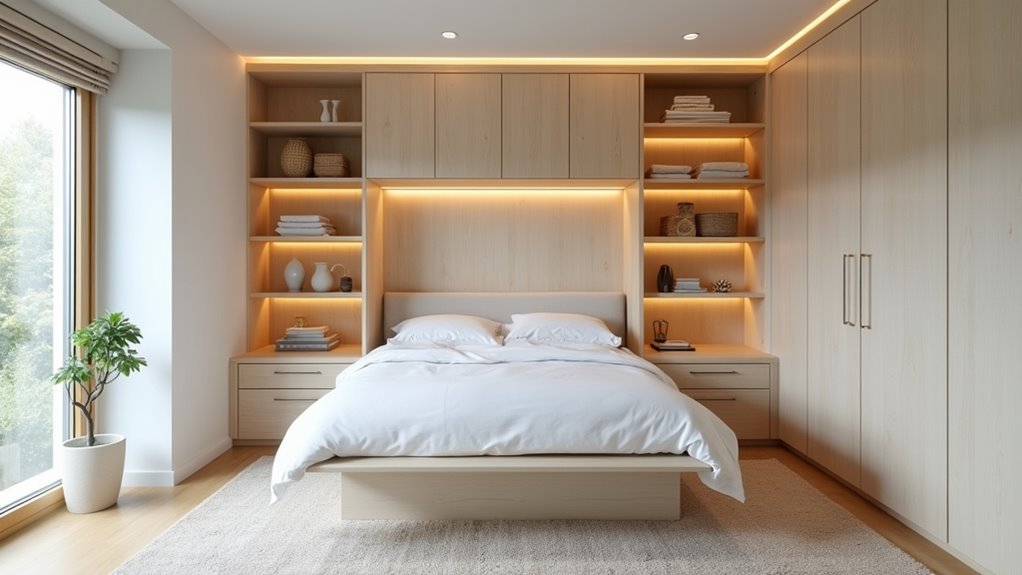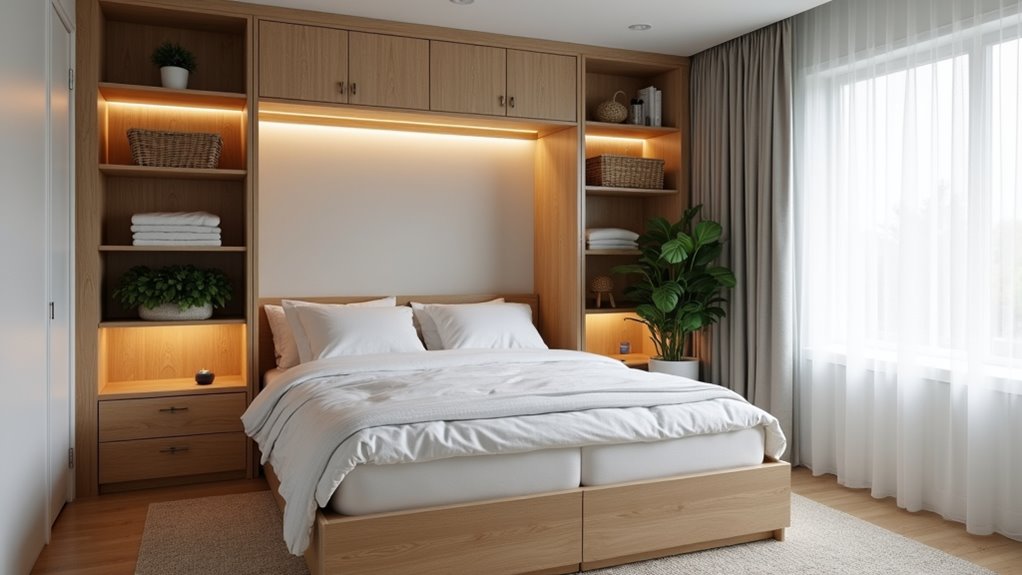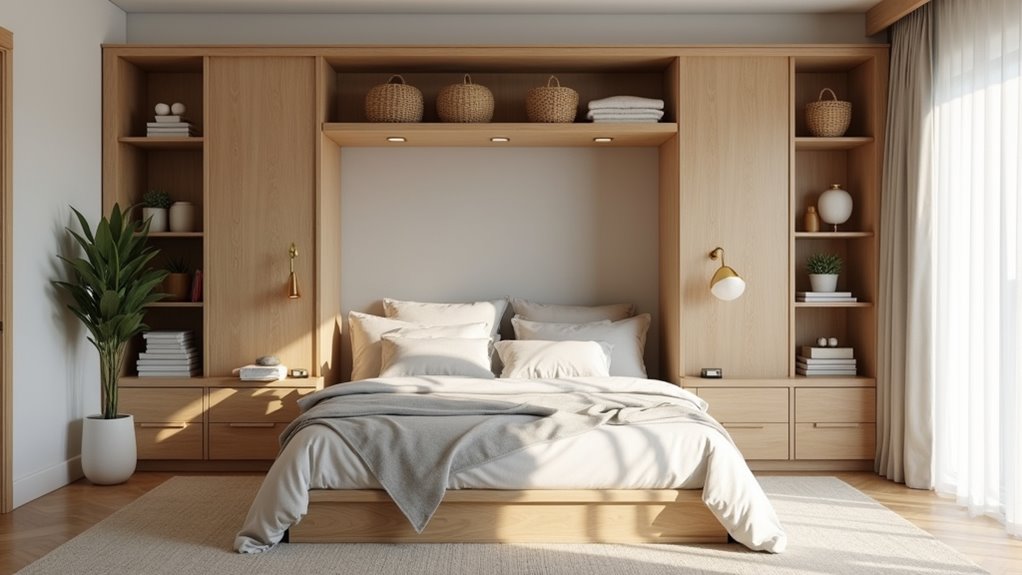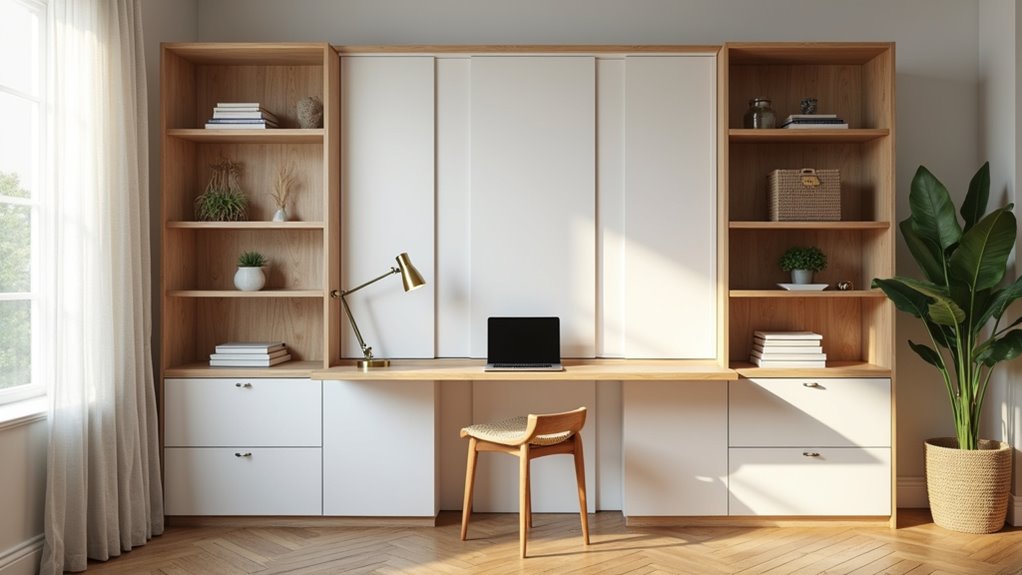
You combine a Murphy bed home office with built-in storage by designing the bed, desk, and cabinetry as one seamless wall. Measure your wall width, ceiling height, and the bed’s full opening arc. Then place the desk beside the bed cabinet or choose a fold-down model. Flank the bed with storage towers. Keep daily items within reach and route cables away from hinges. Next, you’ll see which desk styles and storage zones suit your room.
Key Takeaways
- Plan the Murphy bed, desk, and cabinetry as one continuous wall system, flanking the bed with side cabinets, shelves, or drawers.
- Place the desk outside the bed’s full open projection, or choose an integrated desk that stays usable as the bed lowers.
- Match desk style to room size, such as fixed desks for wide walls and fold-down desks for narrow rooms.
- Keep daily files, supplies, and chargers within arm’s reach outside the opening arc, reserving upper cabinets for rarely used items.
- Plan outlets and cord routes before installation, and unplug and coil cables before lowering the bed to prevent pinching.
How Can You Combine a Murphy Bed Home Office With Built In Storage
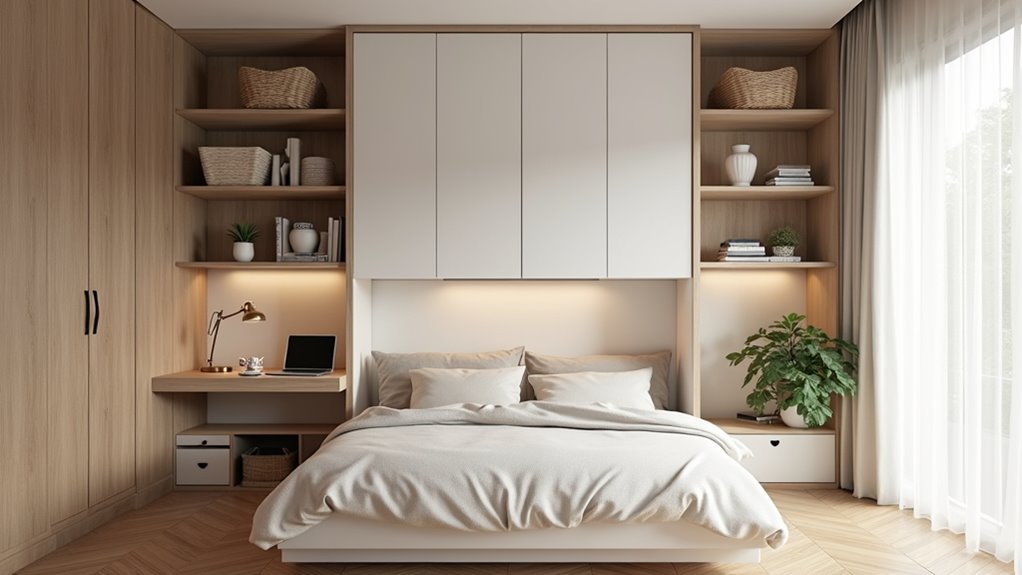
A Murphy bed home office with built-in storage works best when you plan the bed, desk, and cabinetry as one continuous wall system. Start by measuring wall width, ceiling height, closed cabinet depth, and the bed’s full open projection, including its opening arc. Flank the bed cabinet with side cabinets, shelves, or drawers for seamless Murphy bed office storage. Keep books, files, and daily supplies on reachable shelves, and reserve upper cabinets for items you rarely use. Choose closed doors for a calmer look and open shelving for quick access. Pick an integrated desk that stays usable when the bed’s stored, and keep cords clear of hinges. A well-planned built-in Murphy bed office never lets cabinetry block the bed’s movement or storage access.
Where Should the Desk Sit So the Bed Can Open Without Moving the Workstation
Place the desk outside the bed’s full open projection, or choose a model whose desk moves with the mechanism, so the bed can open without disturbing your workstation. Measure the opening arc, leg position, and walking space around the deployed bed before you commit to a layout.
A side-by-side wall bed office sets the desk beside the bed cabinet, so the work surface stays usable when the bed’s stored. An integrated murphy bed desk storage design saves floor space and keeps the wall visually unified, since the desk stays horizontal as the bed lowers.
Check your model’s instructions for required clearance, and keep monitors, lamps, and cables away from pinch points. Test the full sequence twice before daily use.
How Do Fixed Desks Fold Down Desks Side Desks and Floating Worktops Fit Different Layouts
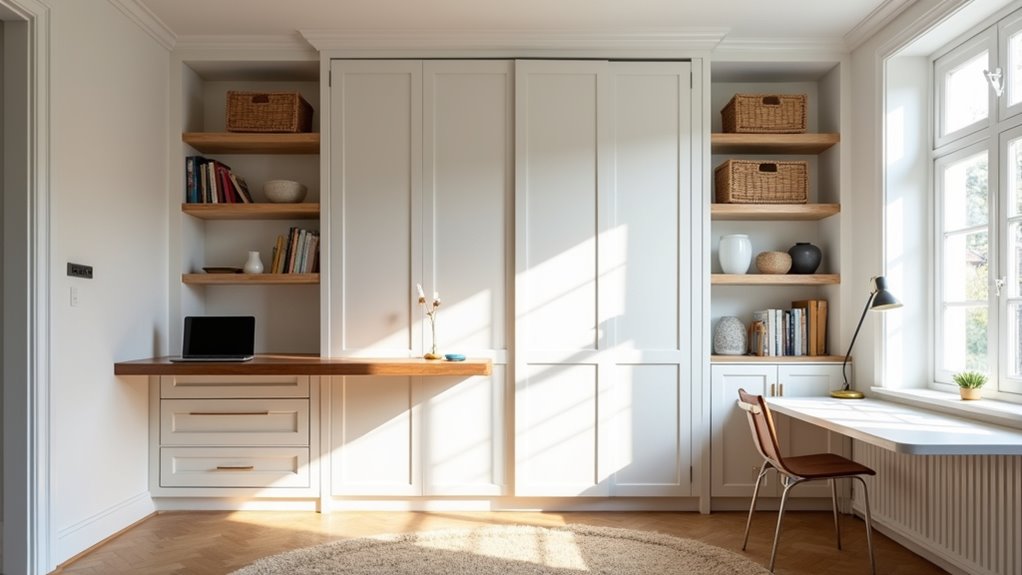
Each desk style suits a different layout: fixed desks work on wide walls, fold-down desks on narrow rooms, side desks in alcoves, and floating worktops in small spaces. The desk style decides how the wall looks and works day to day, so match the type to your room’s footprint and how often you’ll convert it.
| Desk Style | Best Layout Fit |
|---|---|
| Fixed desk | Wide walls where the bed opens beside the workstation, not over it |
| Fold-down desk | Narrow rooms that need a clear floor when the bed deploys |
| Side desk | Alcoves flanked by storage towers, keeping work separate from sleep |
| Floating worktop | Small spaces needing a slim, airy look and open legroom |
Whatever you choose, confirm the model’s manual allows it, keep cables off hinges, and test the full desk-to-bed sequence before use. A consistent finish across desk, cabinets, and shelves makes the wall read as one built-in.
Where Should Files Office Supplies and Equipment Be Stored for Daily Access
Store the files, supplies, and equipment you use every day within arm’s reach of the desk. Giving each item a defined home that doesn’t cross the opening arc helps you work faster and keeps the bed’s movement path clear.
Keep daily essentials within arm’s reach, each with a defined home outside the bed’s opening arc, so you work faster and stay clear.
- Keep active files in a desk drawer or labeled bins on a side cabinet shelf.
- Place pens, notepads, and chargers in shallow drawers so your desktop stays clear.
- Put printers and routers on open side shelves near outlets, routing cords away from hinges.
- Reserve upper cabinets for archived paperwork and backup supplies you rarely need.
- Use closed cabinets for visually busy items and open shelves for quick-grab pieces.
Return everything to its spot before lowering the bed. It protects your equipment and preserves calm.
How Can You Hide Work Clutter Before Converting the Room for Guests
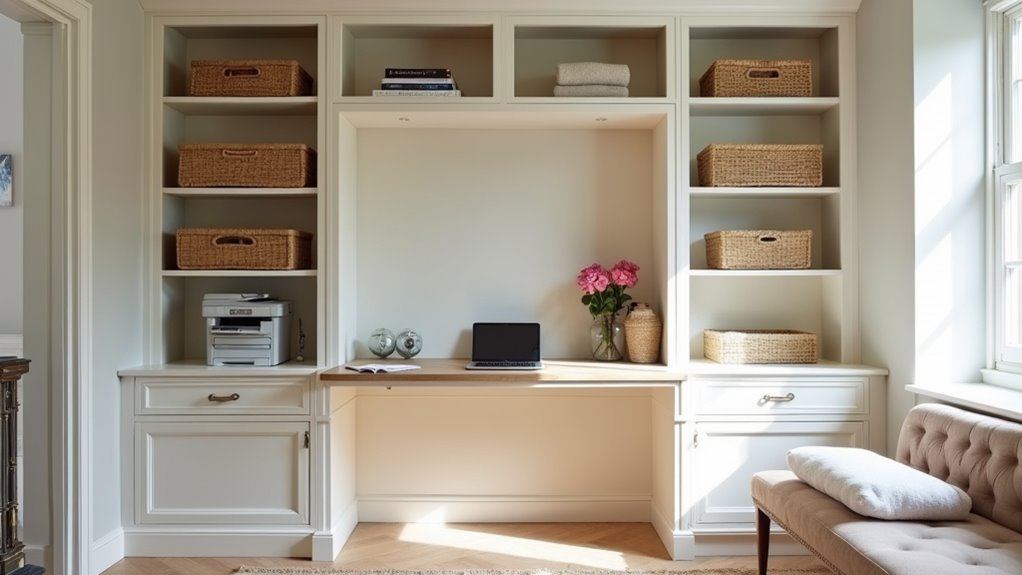
Hide work clutter by giving every work item a closed home so the room reads as calm, not busy. Slide files, notebooks, and supplies into labeled drawers or bins, then shut cabinet doors for a visually quieter storage wall. Reserve open shelves for books and display pieces that look intentional. Move monitors, lamps, and papers off the desk and away from the bed’s movement path and pinch points. Unplug and coil cables, keeping cords clear of hinges and moving parts. Reposition your chair so it won’t block the opening arc or walking space. Finally, follow your model’s instructions for desk position before you lower the bed. With well-planned storage, you’ll convert the room in minutes, not an hour.
How Can Power Charging and Cable Management Be Integrated Into the Storage
Integrate power and cable management by planning outlets, charging spots, and cord routes before installing anything, keeping every cord away from the bed’s hinges, legs, and opening arc. Tidy cables do as much for a calm storage wall as closed cabinet doors. Map where your desk, lamps, and devices will sit, then route cords accordingly.
- Locate existing outlets and switches so side cabinets don’t block them.
- Build a charging drawer or shelf inside a side cabinet, away from moving parts.
- Run cables along the desk’s back edge with clips or a tray.
- Choose task lighting that won’t cross the bed cabinet’s path.
- Check for concealed wiring before you drill any cable openings.
Unplug and tuck loose cords prior to lowering the bed so nothing gets pinched or dragged into the mechanism. Test the full sequence after everything is connected.
What Storage Should Remain Accessible While the Bed Is Down
Items you reach for between lowering the bed at night and folding it up in the morning should stay accessible in side cabinets, open shelves, or drawers flanking the bed cabinet, not behind the desk or directly within the opening arc. Bedding extras, a book, glasses, chargers, and a small reading lamp belong on the nearest side shelf, which will serve as a bedside table. Store tomorrow’s clothes and toiletries in closed side drawers that open freely beside the deployed frame. Move rarely used files and office supplies to upper cabinets, since you won’t need them overnight. Lower the bed fully and test every door and drawer before finalizing the layout. If a front hits the frame, legs, or mattress, relocate those items.
A Home Office That Still Makes Room for Guests
A Murphy bed home office works best when the desk, bed, cabinetry, and storage are planned as one system from the start. Creative Closet Design creates custom home office storage for Central Florida homeowners so files, equipment, and everyday supplies stay organized without blocking the bed. Serving Lakeland, Auburndale, Winter Haven, Plant City, Polk County, and Hillsborough County, our designers will look at your room, work setup, and storage needs before drawing anything. Call Our Team to schedule your free design consultation.
Frequently Asked Questions
How Much Does a Murphy Bed Home Office With Built-In Storage Cost?
You’ll typically spend around $1,000 for a standard Murphy bed model, while customized designs with built-in storage can reach $6,000 or more, and costs vary by project. If you want a seamless, clutter-free storage wall, you’ll likely pay more for side cabinets, shelves, and a sleek integrated desk. Carefully compare custom built-ins with standard units to balance style and budget, and don’t forget professional installation when your wall structure’s uncertain.
Can a Murphy Bed Be Anchored to Drywall Only?
Usually, no. You shouldn’t anchor a Murphy bed to drywall alone unless your model’s manual explicitly allows it. Instead, you’ll confirm your wall and floor construction, then fasten the cabinet to the structural support the manufacturer specifies. Before drilling, locate hidden wiring and plumbing. If your wall feels uncertain, hire a pro, so your sleek storage wall stays secure, aligned, and ready for smooth nightly turnovers from office to bedroom.
What Mattress Thickness Works Best With a Murphy Bed System?
The best mattress thickness is the one your specific Murphy bed model approves, so check its manual before you buy. You’ll want to stay within its stated limits, including bedding requirements, because an oversized mattress can strain the mechanism, block latches, or keep the cabinet from closing flush. Choose the approved mattress, test the opening sequence, and you’ll keep your storage wall sleek, your workspace clear, and daily operation smooth.
Should I Hire a Professional to Install a Murphy Bed Office?
Yes, hire a professional if you’re unsure about your wall structure, anchoring plan, or assembly steps. A pro locates studs, concealed wiring, and plumbing, then anchors your unit to the structural support your manufacturer specifies, since your manual likely won’t allow drywall-only attachment. They’ll also align cabinets, check locks and supports, and test the full desk-and-bed sequence, so your storage wall looks seamless and opens smoothly without stealing precious floor space.
How Do I Measure My Room Before Buying a Murphy Bed Unit?
Start by measuring your wall width, ceiling height, and the closed cabinet’s depth, then map the bed’s full open projection, including its swing arc, leg position, and walking space around it. You’ll also want to check for doors, windows, fans, vents, outlets, and switches that could clash. Confirm your desk and chair can shift aside, and don’t forget delivery paths (doorways, stairs, elevators, and tight turns) so the finished room flows beautifully.